Plan Your Trip in 5 Simple Steps
The Trip Planner lives inside our destination catalog. Browse stories, add places that inspire you, and watch your itinerary come together.
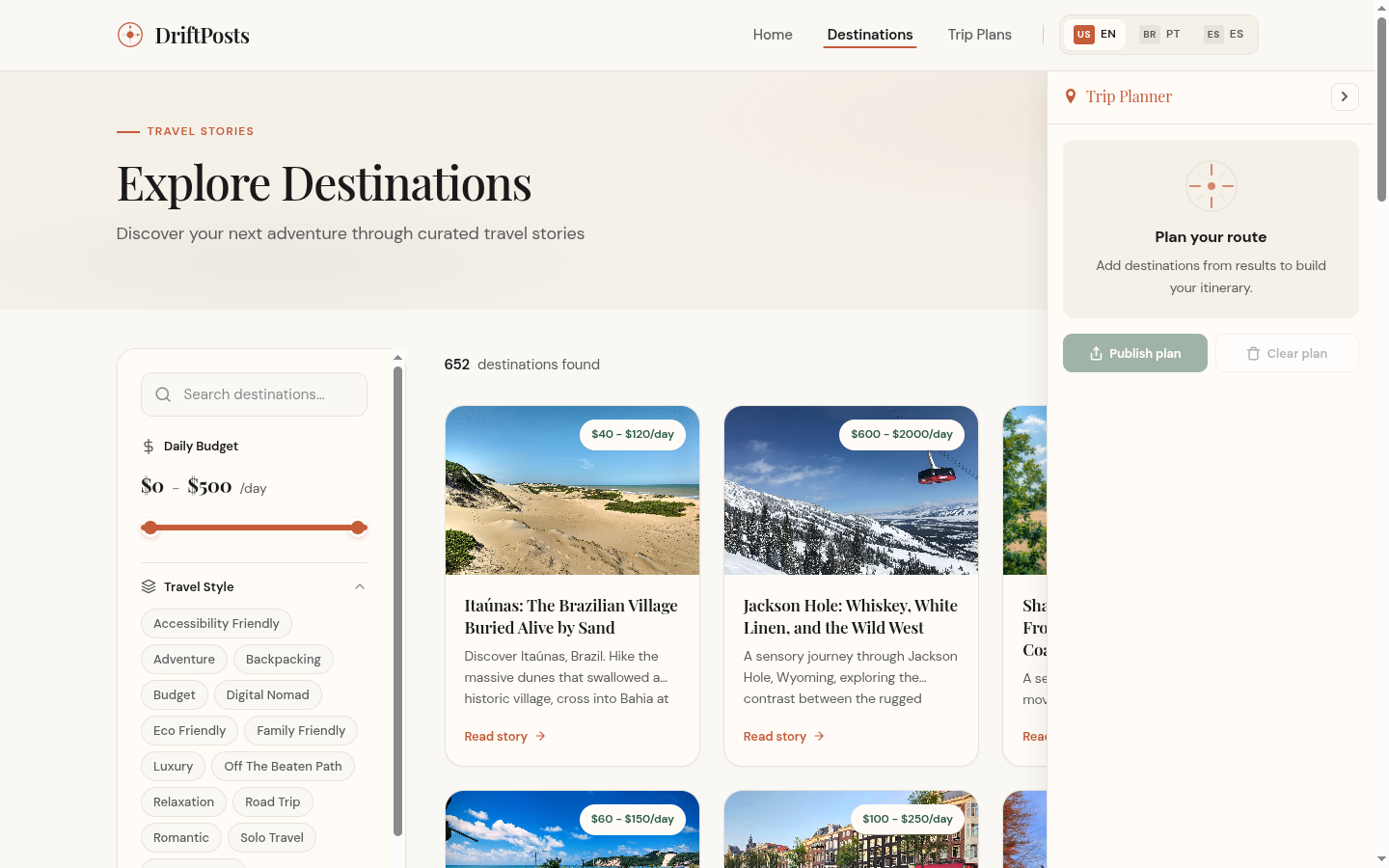
Browse Destinations
Search and filter over 3550 travel stories by budget, travel style, destination, and more. Every post is a potential stop on your trip.
Add to Your Plan
Found a place you love? Hit the "Add to Plan" button on any post card. It instantly appears in your planner sidebar.

Customize Your Trip
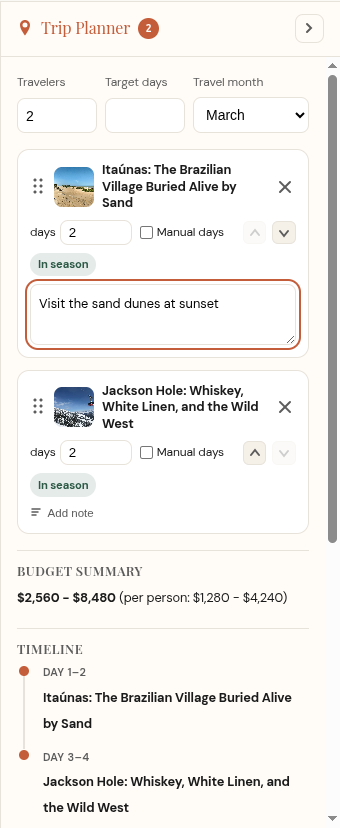
Set the number of travelers, target days, and travel month. Allocate days per destination, reorder stops, and add personal notes.
Explore Insights
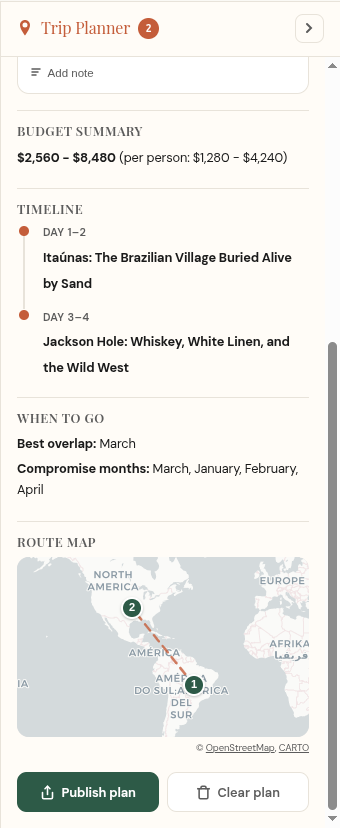
Your planner calculates a total budget estimate, builds a day-by-day timeline, suggests the best travel months, and plots your route on a real map.
Publish & Share
When your itinerary is ready, hit "Publish plan" to save it. Choose public, unlisted, or private visibility and share the link with your travel crew.

Ready to Start?
Head to the destination catalog and build your first plan.
Start Planning